After requesting pre-launch feedback from friends & family for my SaaS startup, it became quite clear that a product video would hit the mark. I decided to challenge myself and complete a professional-looking video in under 24 hours and for as little money as possible.
Why the rush? Because a product video felt like one final task getting in the way of the launch, and so became impatient. You can see the result of my video production here (click on the green button). Let me know if you think it is worth the $320 I paid for it (and how to improve it). Finally, I must confess that I dislike video as a way to learn things as I prefer to sit down and read. Another reason for getting this video done quickly!
The approach I used was the following:
- Find some inspiration
- Create a unique script
- Hire a voice talent
- Buy video editing software
- Prepare product recordings
- Purchase a music track
- Find free stock video
- Assemble everything
Finding Some Inspiration
Starting a script from scratch proved difficult. For example, predicting the amount of time a paragraph of text would take once spoken wasn’t obvious (ex: after typing a whole page of text, I found that it could be spoken in under a minute). I searched for other SaaS companies and listened to their intro video. Once I found one which I liked, I wrote down each sentence while the video was playing. Finally, I converted sentences into equivalent ones tailored to my solution.
Hiring a Voice Talent
I expected this task to take some time, so I prioritized it accordingly. Because I have an accent, it was pointless for me to attempt a recording (plus I know from experience that synthetic audio recordings don’t quite sound natural). I also knew that proper recording equipment was needed for a decent recording and didn’t have time to shop for hardware. Searching for “voice talent” online, I stumbled on voicejungle.com. After reviewing their pricing and listening to a few audio tracks, I was sold. The type of voice I was looking for was available, and the guaranteed response under 24 hours made sense. Cost: $65.
Buying Video Editing Software
I had played with Camtasia Studio 10 years ago, so I went with what I knew. Obviously, by 2019 the application had changed completely. I also thought I could use their 30 day free trial and not pay for my video production. Unfortunately, after spending several hours editing my video, I found that a purchase was in fact required in order to remove watermarks during final production. Purchasing Camtasia studio represented 80% of my costs, but I also get to keep it. I looked for discount coupons but was unsuccessful. Cost: $250.
Preparing Product Recordings
I wanted my product video to include some actual product recordings to make it look “real”. Of course, the downside was clear – should the web application change, redoing the video would be necessary. While awaiting recordings from my hired voice talent, I started taking various recordings of my web application. Here too timing was challenging, but I discovered that accelerating playback speed was not an issue. Mouse movements didn’t look psychotic, even at x3 speed acceleration. This meant I could easily adjust my recordings’ duration, and align them precisely to human voice.
Buying A Music Track
At this time, I had not realized that Camtasia Studio included sample audio tracks. Therefore I started hunting for suitable background musak. The magic keywords here are “corporate motivational music”. Websites which sell soundtracks offer rather large collections. Without those magic keywords, your search may prove fruitless. Equipped with the right search criteria however, I found many suitable soundtracks. The most important point here is to purchase a soundtrack which includes multiple “versions” (ex: 1 minute, 45 seconds, 30 seconds, etc.). You can slice, slow down, or accelerate most videos, but not continuous background music. Total cost: $5.
Finding Free Stock Video
I expected the cost of stock footage to be similar to that of stock photography. However, I discovered that prices vary from $30 to $150 per clip, and you typically need a few. Fortunately some websites such as pexels.com offer free video clips which I was able to re-use. I also found some fantastic free content on YouTube, which lets you limit results to creative commons licenses. The only catch is that many search results are polluted by watermarked stock preview videos (I hope YouTube bans such fake creative commons videos). Cost: $0.
Assembling Everything
By then, I had received 2 recordings from my chosen voice talent. I considered asking for one more recording, but time was running out. To assemble all the tracks, I used the (sliced) voice talent audio as a master guide. As mentioned earlier, accelerating product recordings works well, which helped a lot when making adjustments. Finally, using Camtasia Studio, I encountered some very annoying issue related to color encoding, but was able to work around it. I posted the workaround in the same support thread.
Total Cost: $320 + 1 Day Of Work
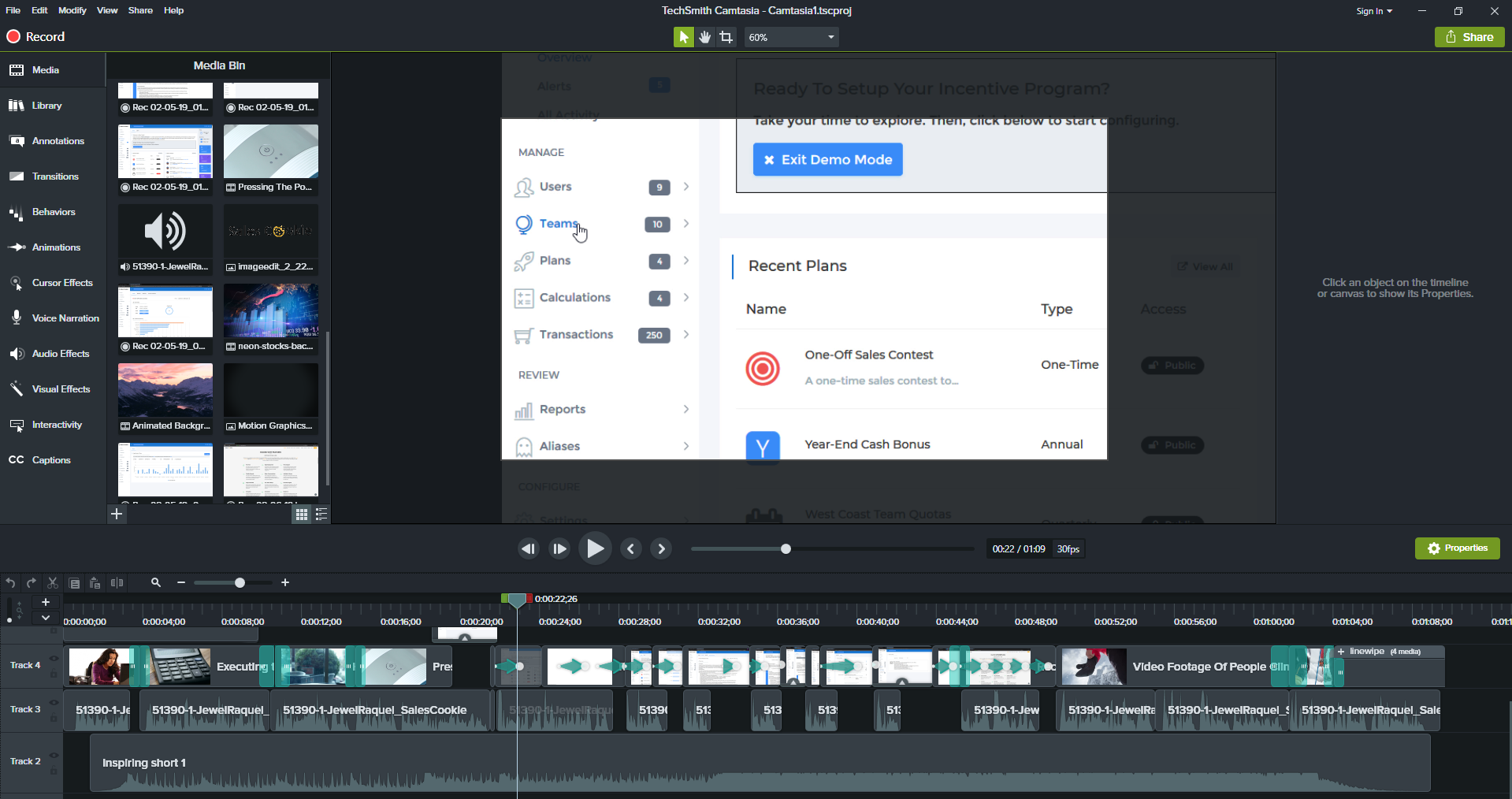
Definitely cheaper than what I would pay using an agency, although I suppose mine isn’t as polished. Here is what my editor looked like when working on the final version.
 Randomized